Where to Get Coal in Ore Factory Squad
Check the active property and all three depth bands before spending money or abandoning a site.
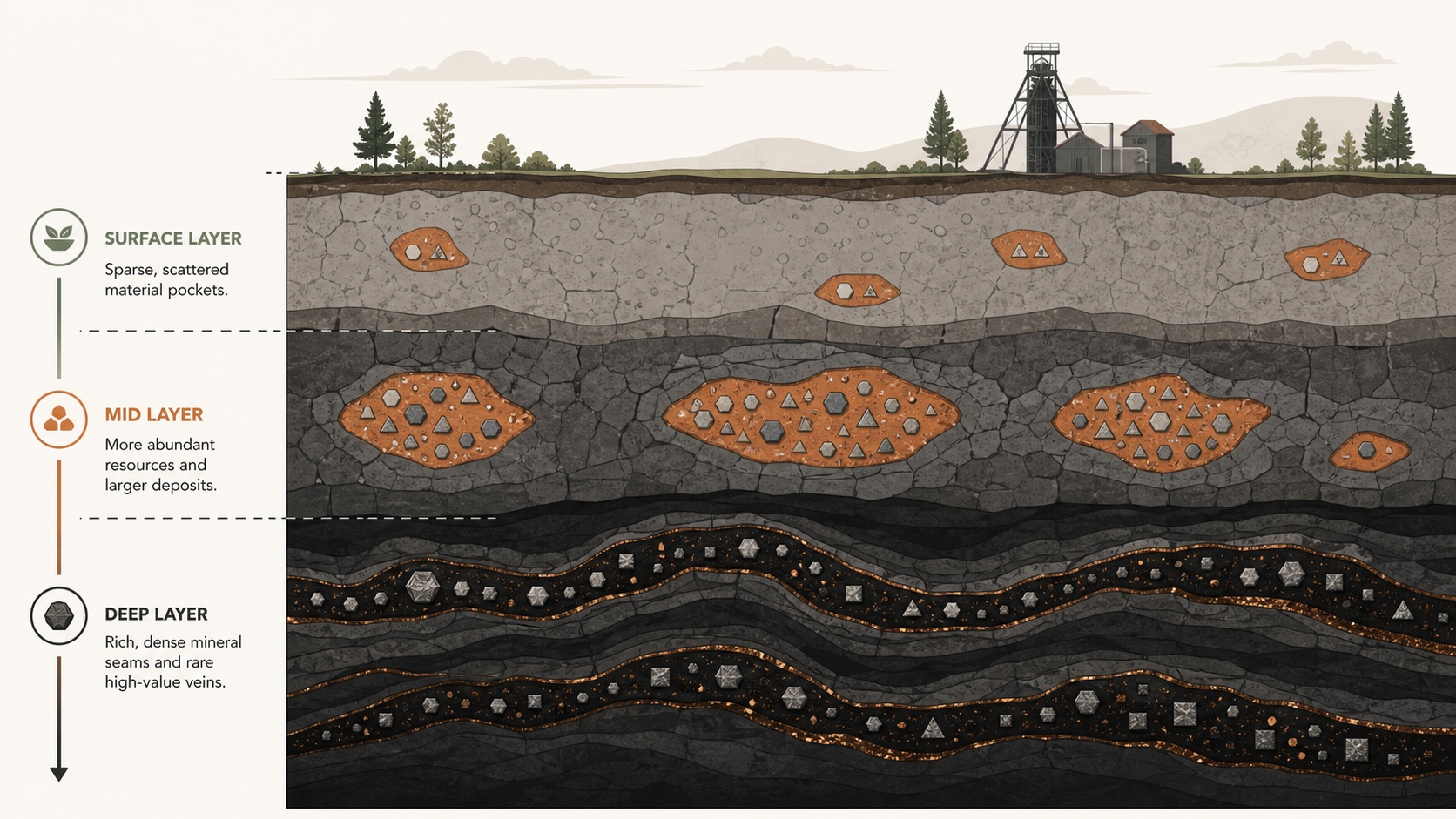
BEST RELIABLE ROUTE
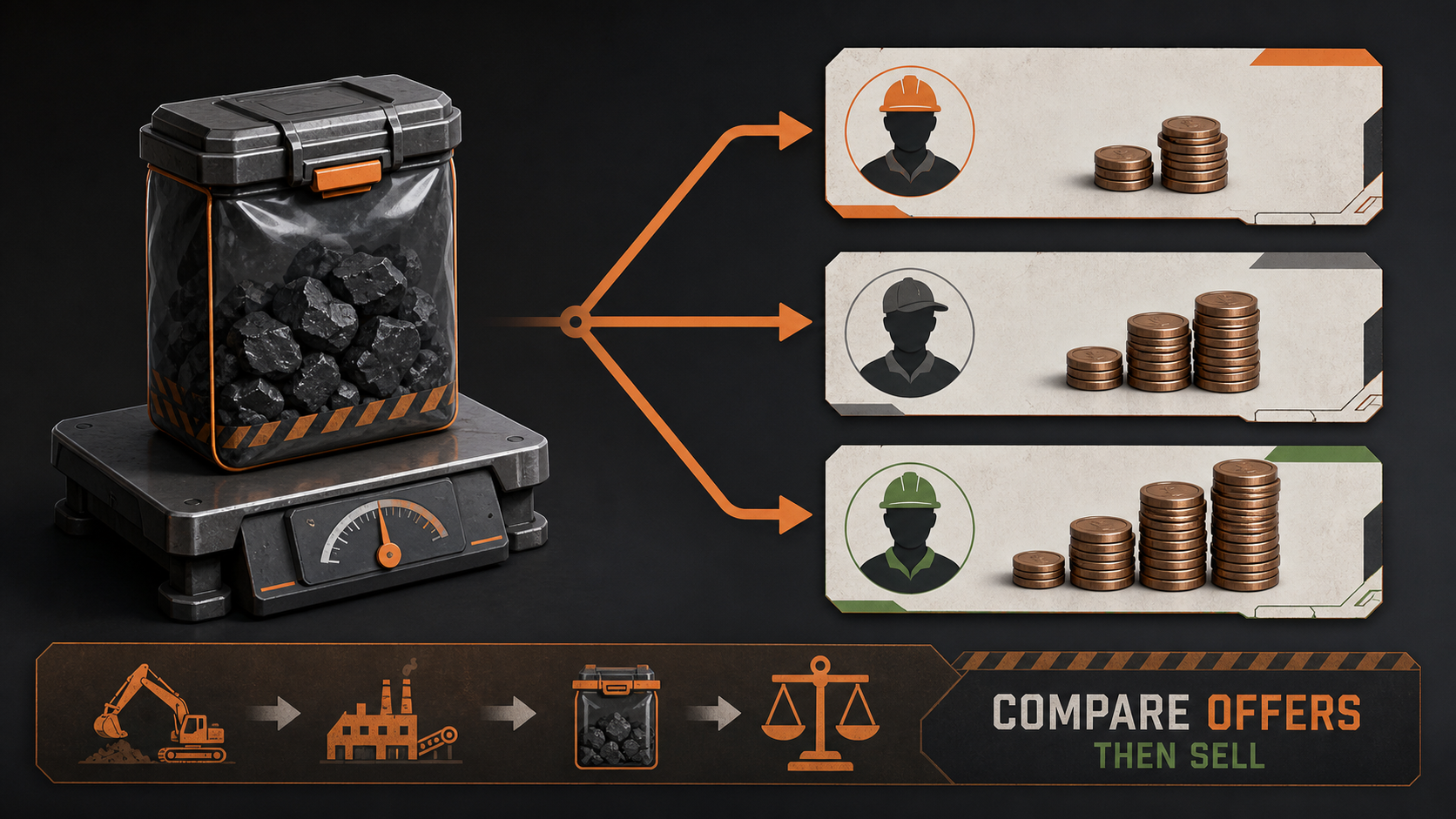
Can you buy Coal?
Do not plan around a permanent Coal shop. The reliable route is to activate a property whose current preview lists Coal, then dig the layer where Remaining Resources still shows it.
If a city listing in your current save offers Coal, compare its price with the time saved. Treat that as a bonus option, not the foundation of the factory.
Raw Coal is not Crushed Coal
Raw Coal
The mined input. Search for this name in property previews and Remaining Resources.
Crushed Coal
A processed product. A contract asking for Crushed Coal is not asking for the raw resource.
The official v1.0.9 announcement says Copper production no longer requires Coal. That does not remove Coal from every recipe and does not change the separate earlier Steel note naming Crushed Coal. It also does not prove a new Coal shop, respawn, price, or resource distribution.
Check Coal by depth
Warehouse Computer
        |
        v
  Active Property
        |
        v
Remaining Resources
   /     |      \
Surface  Mid    Deep
- Open the active property's Remaining Resources view.
- Find Coal and read Surface, Mid, and Deep separately.
- If Surface is empty but Mid or Deep remains, extend the route instead of replacing the property.
- Use the Ore Detector when the correct depth still contains the target but visible deposits are gone.
- Pack and recover useful resources before removing an active property.
Known property evidence
PROPERTY EXAMPLE: USE YOUR CURRENT PREVIEW
| Dated sample | What its preview showed | Safe use |
|---|---|---|
| Greenpark tested save | Coal with early basic materials; deeper Coal remained after Surface reached zero | check all three bands in your own save |
| Westmont sample listing | Coal with Limestone, Clay, Stone, and Sandstone | compare the current listing before purchase |
| Forest Woodland Lot sample | Coal with Copper, Iron, Bronze, Steel, and basic resources | use only when your preview solves the full bottleneck |
These observations come from the linked property test, not a universal developer resource table. Listings, prices, and distributions can change. The official v1.0.2 notes also say some resource-distribution changes apply when purchasing a property again. Read the current preview before negotiating or activating a site.
When a property looks depleted
Surface empty, deeper Coal remains
Keep the property. Extend the Mining Lift, search the correct depth, and recover boxes efficiently.
All three Coal values are empty
Reserve the remaining useful stock, recover equipment and loose items, then compare new property previews.
Coal exists but production is stopped
Check whether the contract needs Raw Coal or Crushed Coal, then inspect the processing recipe, machine input, output pallet, and downstream storage.
What is not verified
- a universal Coal shop and fixed purchase price
- infinite Coal respawn on an exhausted property
- a fixed Coal depth for every property
- a neighborhood name proving its resource table
- a permanent property price or distribution across every save and patch
Continue the search
Sources
- Official v1.0.9 Copper recipe-change announcement
- Official patch notes and launch information
- Greenpark, Westmont, and Forest property-preview test, published July 18, 2026, with screenshots and stated unknowns
- Current Steam discussion questions, used only as demand evidence
- OreFactoryGuide property test summary and evidence boundaries