How to Buy Another Property in Ore Factory Squad
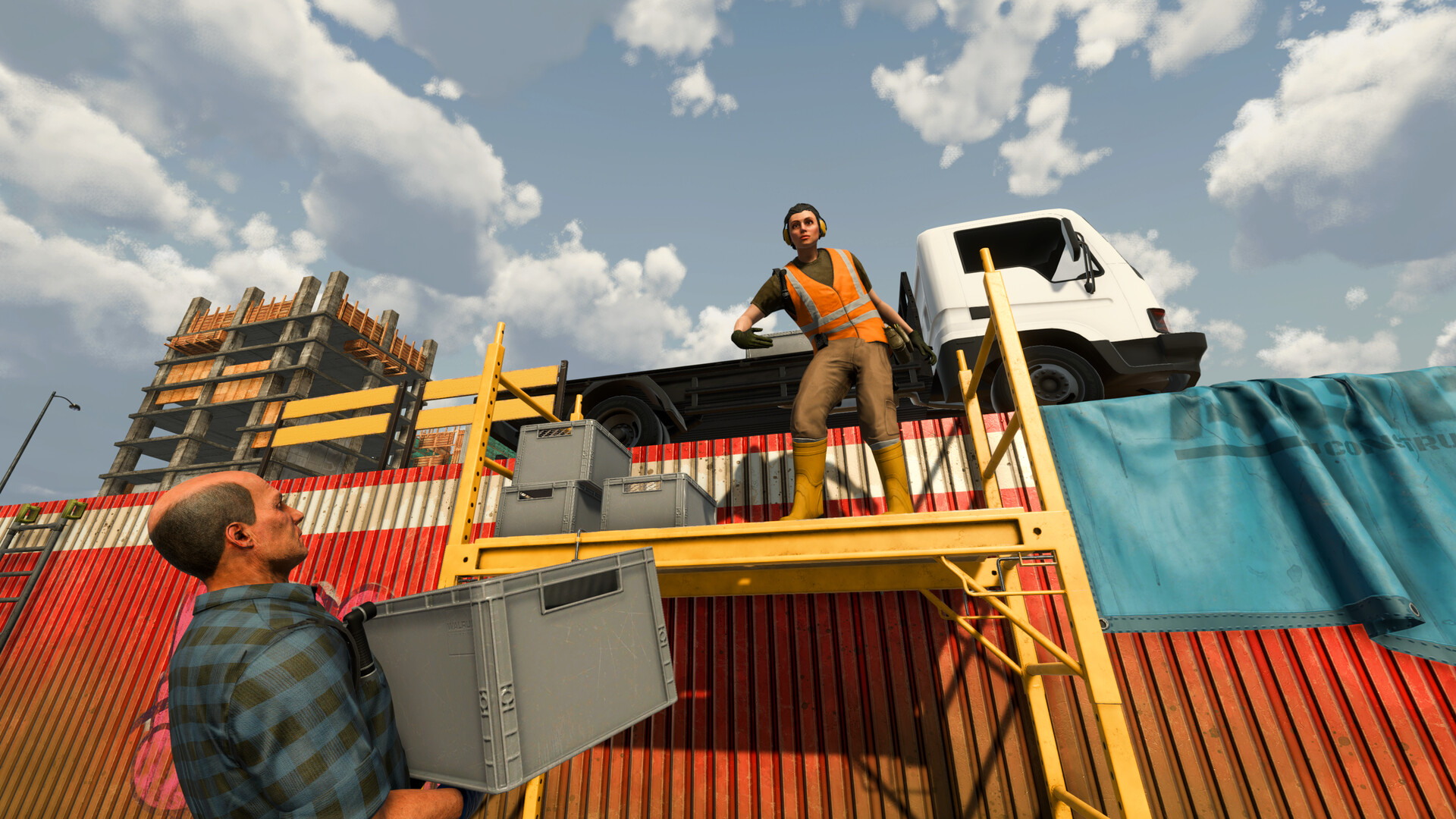 FIELD LOG // PROPERTY SITE
Current v1.1.1 recommendation: recover packed boxes first, then replace a depleted property only when the next site supplies a resource your active production or contract actually needs. Do not clear a useful property just to chase a more attractive listing.
QAHow to Buy Another Property
- At the Warehouse Computer, open Properties, select the current Active Property, and check Remaining Resources at Surface, Mid, and Deep.
- Inspect the available listing and choose one that shows the exact resource blocking your next production stage.
- Reserve basic products, recover packed mining boxes, and collect useful loose equipment from the current site.
- Because the tested system allows only one Active Property, remove the old site only after the recovery pass and only when you are ready to switch.
- Buy and activate the selected listing, then check Remaining Resources again before building a permanent route.
Do not remove the old site first and decide later. The listing preview, recovery pass, property cost, and processing budget should all be ready before the switch.
Your first dig site is a small Suburban/backyard property, not the Construction Site. Forest, Construction, and Quarry are separate later property categories.
The tested early-game system allows only one Active Property at a time. Choosing a new site is therefore a resource decision, not a plan for operating several simultaneous mines.
DECISIONIs Forest Worth It?
Forest is worth considering when:
- Copper or Iron blocks your next production stage;
- Greenpark or another basic-material property does not list those metals;
- you already have a reserve of Limestone, Clay, Stone, Sandstone, and Coal products;
- underground boxes and useful items have been recovered from the active site;
- you can afford both the property and the metal-processing route.
Delay Forest when:
- active contracts still require large basic-material quantities;
- Greenpark still has useful Mid or Deep resources near an existing Mining Lift;
- buying the property would leave no cash for Metal Processing License #1 and the Smelting Furnace;
- the listing preview does not contain the resource you need.
TYPESProperty Types vs Property Listings
The game has broad dig-site categories and individual purchasable listings.
For example:
- Forest is a category;
- Woodland Lot was one specific Forest listing observed in a launch-week save;
- Suburban/small backyard is a category;
- Greenpark Lot and Westmont Property were specific basic-material listings in the tested route.
Do not turn one listing’s price, area, or resource percentage into a rule for its entire category. Every property features randomized underground resources.
CATEGORIESLaunch Property Categories
Official sources describe four launch dig-site categories:
| Category | Confirmed role | Important uncertainty |
|---|---|---|
| Suburban / small backyard | Starting/basic-material direction | Exact listing, price, area, and resource seed vary |
| Forest | Larger mining area; Copper, Bronze, Iron, Steel; Secret Caves | Individual listing percentages and cave locations vary |
| Construction Site | Foundation-pit environment with risky underground gas pipes | Exact hazards, damage, and resource list need current capture |
| Quarry | Large mountain/snowy-mountain quarry category; Secret Cave fix referenced in v1.0.1 | Full current resource preview and entrance behavior need testing |
Steam achievements provide category checkpoints:
Landlord: buy your first property;A Breath of Fresh Air: buy and visit the Forest Property;Hard Hat Area: buy and visit the Construction Property;Stone Business: buy and visit the Quarry Property.
STARTSuburban and Greenpark: The Real Starting Direction
Greenpark’s tested resource mix included:
- Stone;
- Clay;
- Limestone;
- Sandstone;
- Coal.
These materials support early Blocks, Sand, Cement, Clay products, Stone products, and Crushed Coal.
An empty Surface does not mean Greenpark is finished. In one heavily mined save, Mid and Deep still contained useful basic resources. Open:
Warehouse Computer
      │
      ▼
   Properties
      │
      ▼
 Active Property
      │
      ▼
Remaining Resources
Check all three layers before removing the site.
Westmont example
One Westmont preview showed:
- price: $700;
- area: 2,000 m²;
- Limestone, Clay, Stone, Coal, and Sandstone.
Despite the neighborhood name Copper Ridge, that preview did not show Copper or Iron. A location name is not evidence of its ore table.
Westmont can be useful when you need another basic-material property. It does not solve a metal bottleneck unless the actual preview lists the required metal.
FORESTForest Property
Officially, Forest provides:
- a larger digging area than the starting property;
- more room for an underground operation;
- early access to Copper, Bronze, Iron, and Steel;
- small procedurally generated Secret Caves;
- cave entrances blocked by breakable walls that require Dynamite.
The caves are hidden pockets, not massive fixed networks.
Observed Woodland Lot example
One launch-week listing appeared at:
- $1,590 before negotiation;
- a metal-focused preview including Copper, Iron, Bronze, Steel, and Coal.
This sample disproves the old claim that Forest is always a $20k+ late-game purchase. It does not establish a permanent Forest price.
Forest buying checklist
Before switching:
- identify the exact metal or product blocking progress;
- inspect the current Forest listing preview;
- check active contracts;
- reserve basic products still needed;
- recover packed mining boxes and useful loose items;
- budget for the processing License and machine;
- remove the old Active Property only after the recovery pass;
- check Remaining Resources again after the new property is active.
For Level 4 metal processing and cost samples, see the upgrade-order guide.
CONSTRUCTIONConstruction Site
The Construction Site is not the starting property.
Official descriptions confirm:
- a dusty foundation-pit environment;
- unfinished urban construction surroundings;
- risky gas pipes underground;
- strong mineral potential.
Do not add unverified mechanics to that description. Current public evidence does not establish:
- a fixed pipe-damage value;
- automatic site delays;
- a Detector mode that scans pipes;
- an electrical-grid repair system;
- a universal “safe Dynamite distance” from infrastructure.
Approach the area carefully and document the current warning UI before publishing a hazard formula.
QUARRYQuarry
Official store language places large quarries on snowy mountains among the property categories. The Stone Business achievement confirms that a Quarry Property can be bought and visited.
The v1.0.1 patch also fixed resources failing to spawn in randomly generated Secret Caves on Forest and Quarry maps.
Still unverified for this guide:
- complete Quarry resource percentages;
- exact listing prices and areas;
- whether every Quarry cave entrance looks or behaves like Forest;
- fixed cave depth or resource rewards.
Use the listing preview and current Remaining Resources screen rather than a static map.
BOUNDARYFactory vs Dig Site
A property is a mining location. It is not a second factory floor.
The tested logistics boundary is:
[ Active Dig Site ]
        │
        ▼
[ Packed Mining Box ]
        │
        ▼
[ Mining Lift / Surface ]
        │
        ▼
  [ Cargo Vehicle ]
        │
        ▼
  [ Sorting Station ]
        │
        ▼
[ Factory Storage and Production ]
Do not plan to build a Cement Kiln, Brick Oven, Smelter array, or pallet warehouse on Forest. Cement Kiln and Brick Oven were unsupported machine names, and the old guide provided no evidence that production or pallet-storage facilities can be built on a dig site.
RECOVERWhat to Recover Before Removing a Property
Prepare as though anything left behind may be lost:
- packed mining boxes;
- useful loose resources near the surface;
- easy-to-reach Scrap and Antiques;
- cargo waiting near the Mining Lift Head;
- the final backpack load;
- any important site items the UI allows you to recover.
The tested guide did not establish:
- whether all abandoned objects are permanently deleted;
- whether repurchasing uses the same terrain or a new seed;
- whether removal changes active contracts.
Recover first instead of relying on an untested persistence rule.
CITYRedstone City Services
Redstone City is the shared hub between the factory and dig sites. Confirmed locations and uses include:
| Location | Confirmed use |
|---|---|
| Car Dealership | Buy multiple forklifts, cargo vehicles, and personal vehicles |
| Waste Collection Center | Sell Scrap |
| Pawn Shop | Sell Antiques |
| Bar | Buy drinks and use city leisure features |
The city map opens with M in the official update description and can show important places, friends, and vehicles.
Do not send Scrap to the Pawn Shop. The official achievements clearly separate Scrap and Antiques.
AVOIDCommon Property Mistakes
Buying for the category name, not the resource preview
Check the listing. Procedural distribution matters more than a neighborhood or category label.
Leaving because the Surface looks empty
Inspect Mid and Deep before abandoning an existing Lift route.
Switching without a bridge stock
Keep enough basic materials and products to finish current contracts while the new metal route is being established.
Treating Forest as guaranteed profit
Forest unlocks access to useful metals, but those materials still need recovery, Sorting Station intake, Licenses, machines, pallets, and contracts.
Planning multiple simultaneous property operations
The tested early-game system supports one Active Property. Verify any later ownership change before designing a multi-site network.
Start with the first-hour guide if Greenpark and Factory Storage are still unfamiliar. Before removing a site with lower-layer resources, use the Mining Lift guide; after moving for Copper or Iron, check the upgrade and License guide.
FAQFrequently Asked Questions
What is the starting property type?
A small Suburban/backyard property. Greenpark Lot was the starting listing in the tested route.
Is Forest late game?
Not in the tested progression. Forest became available around Level 4, alongside the first metal-processing direction.
Is Forest always $1,590?
No. That was one Woodland Lot listing before negotiation. Prices and previews are version- and listing-sensitive.
Can I keep Greenpark and Forest active together?
The tested early-game system allowed one Active Property at a time. Recheck the current UI if a later update changes ownership rules.
Where do I sell Scrap and Antiques?
Sell Scrap at the Waste Collection Center and Antiques at the Pawn Shop.
MASTERS OF OIL // PROPERTY CHECK
Oil Reserve Details are live in v1.1.1
The v1.1.0 Masters of Oil release adds the Desert property and Oil Reserve Details. Check that property panel before committing an oil search or rebuilding a lot: it is the current place to learn whether the selected property has an oil reserve.
The announcement does not say that every Desert property has the same amount, quality, price, or route. It also does not replace this page's early-game recovery checklist. Use the Radar Mode and Oil Reserves guide after the property check, then use the Masters of Oil hub for the full workflow.