Ore Factory Squad Masters of Oil Guide: Full Oil Workflow
Start the v1.1.1 oil workflow: find a reserve, extract Crude Oil, move it by Tanker, refine it, and choose the next product from the current recipe screen.
Quick answer
The first usable oil loop is reserve -> Pipe Head and pipes -> Tanker Truck -> Oil Tank -> Oil Refinery -> Oil Processor or an existing production line. Start with one handoff at a time. Do not build a large oil block until the reserve, tanker, and tank each show the expected state. The current hotfix is v1.1.1, released after the Masters of Oil feature update.
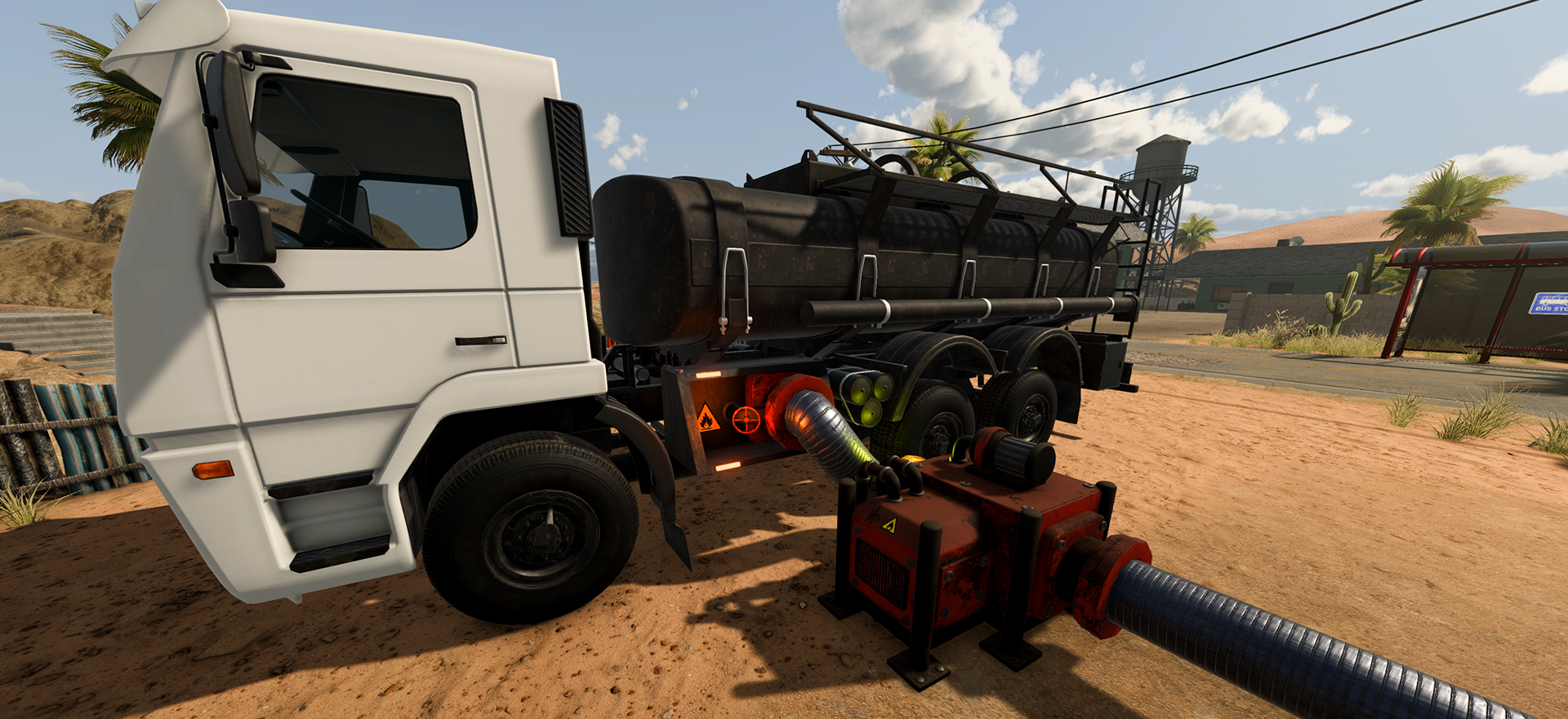
The seven-stage oil workflow
- Check a property for oil-reserve information before committing your factory plan.
- Use the Ore Detector's Radar Mode to search the digging area, then clean a reached reserve with the Jackhammer.
- Place the Pipe Head and make the pipe run continuous to the reserve.
- Turn the extraction equipment on and load one Tanker Truck.
- Return the truck to an Oil Tank and verify the transfer before adding a Refinery.
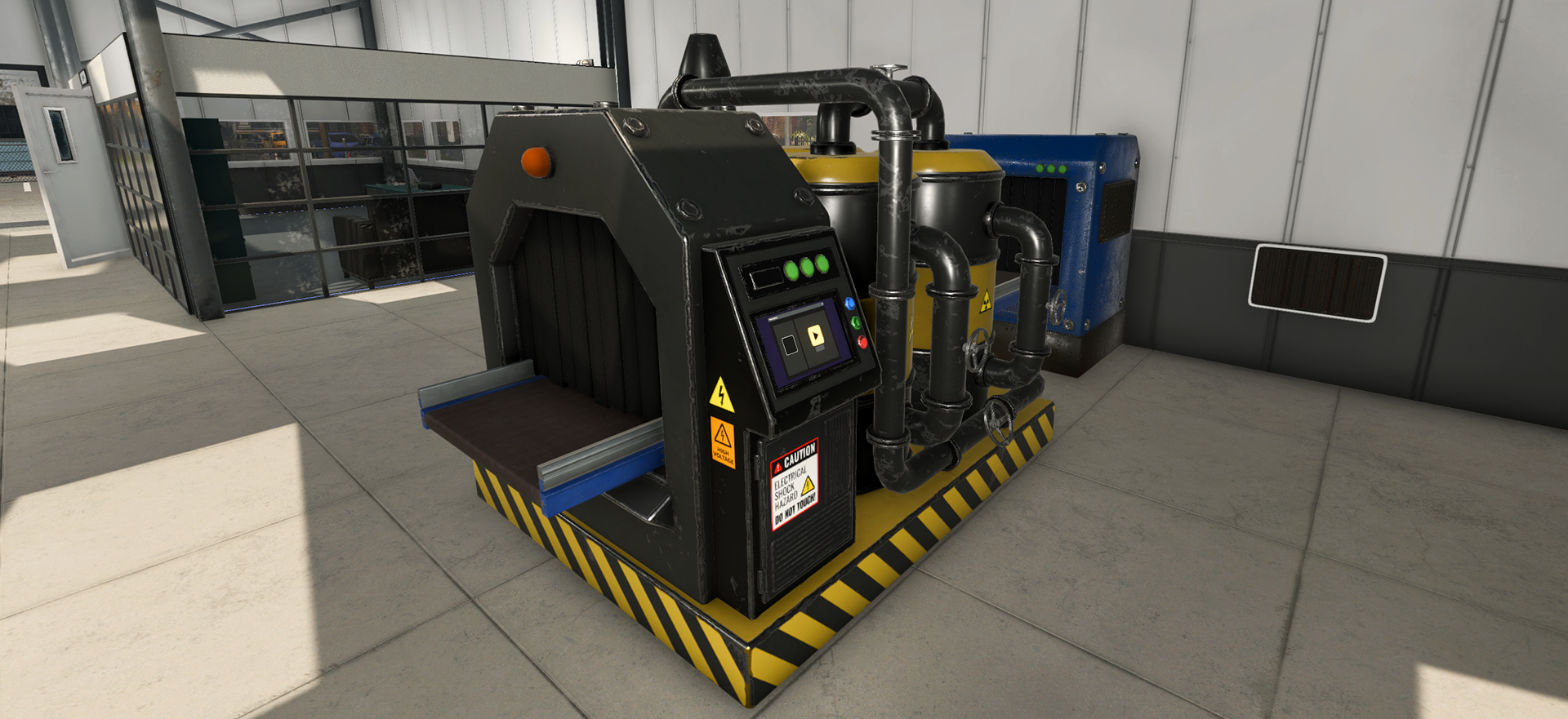
- Send Crude Oil through the Oil Refinery for the named first-stage outputs, Fuel and Bitumen.
- Use the Oil Processor when you need the later oil products or a handoff back to an existing line.
The announcement confirms these stages exist. It does not publish a fixed pipe length, reserve depth, truck capacity, processing speed, or ideal machine ratio.
Start with the right page for the blocker
| If you are stuck at | Open this guide next |
|---|---|
| choosing a lot or locating a reserve | Find Oil Reserves with Radar Mode |
| a Pipe Head that will not extract | Oil Pipe Head extraction fixes |
| loading, driving, or unloading the Tanker | Tanker Truck and Oil Tank transfer |
| deciding which machine handles Crude Oil | Oil Refinery and Oil Processor |
| identifying a named oil product | Fuel, Bitumen, Asphalt Mix, Lubricant, Rubber Sheet, and Tire |
| arranging the new machines in a tight factory | Oil factory layout guide |
| understanding what unlocks oil processing | Petrochemical License guide |
v1.1.1 changes that matter while testing
The September 8 hotfix fixes Oil Pipe on and off behavior, adjusts Tanker Truck to Oil Tank transfer timing, gives clearer turn-on and turn-off wording, stops a Pipe Head supplying a full tanker, and adds reserve amount and empty-reserve feedback. If a guide or video describes the earlier behavior, first update and retest the smallest affected handoff.
Build the smallest successful loop
A good first test is one reserve, one Pipe Head, one Tanker, one Oil Tank, and one downstream machine. Watch the handoff before adding more routes. When the first loop works, choose the next change based on a visible constraint: an empty reserve, a full tanker, an unavailable tank, missing input, or a blocked product output. This prevents a single problem from being hidden inside a large new build.
Sources
The official v1.1.0 Masters of Oil announcement names the released systems and production chain. The official v1.1.1 hotfix is the source for the current pipe, tanker, reserve-feedback, recipe, and contract fix boundary. For release status, also see the updates and roadmap tracker.