ROLE GUIDEMINER // HANDLER // OFF-SITE
Ore Factory Squad Employees, Handlers & Off-site Contracts
Hire by the role shown in your current UI, test one assignment at a time, and keep employee work separate from warehouse robots.
Updated September 4, 2026
START HERE
Choose the job before the worker
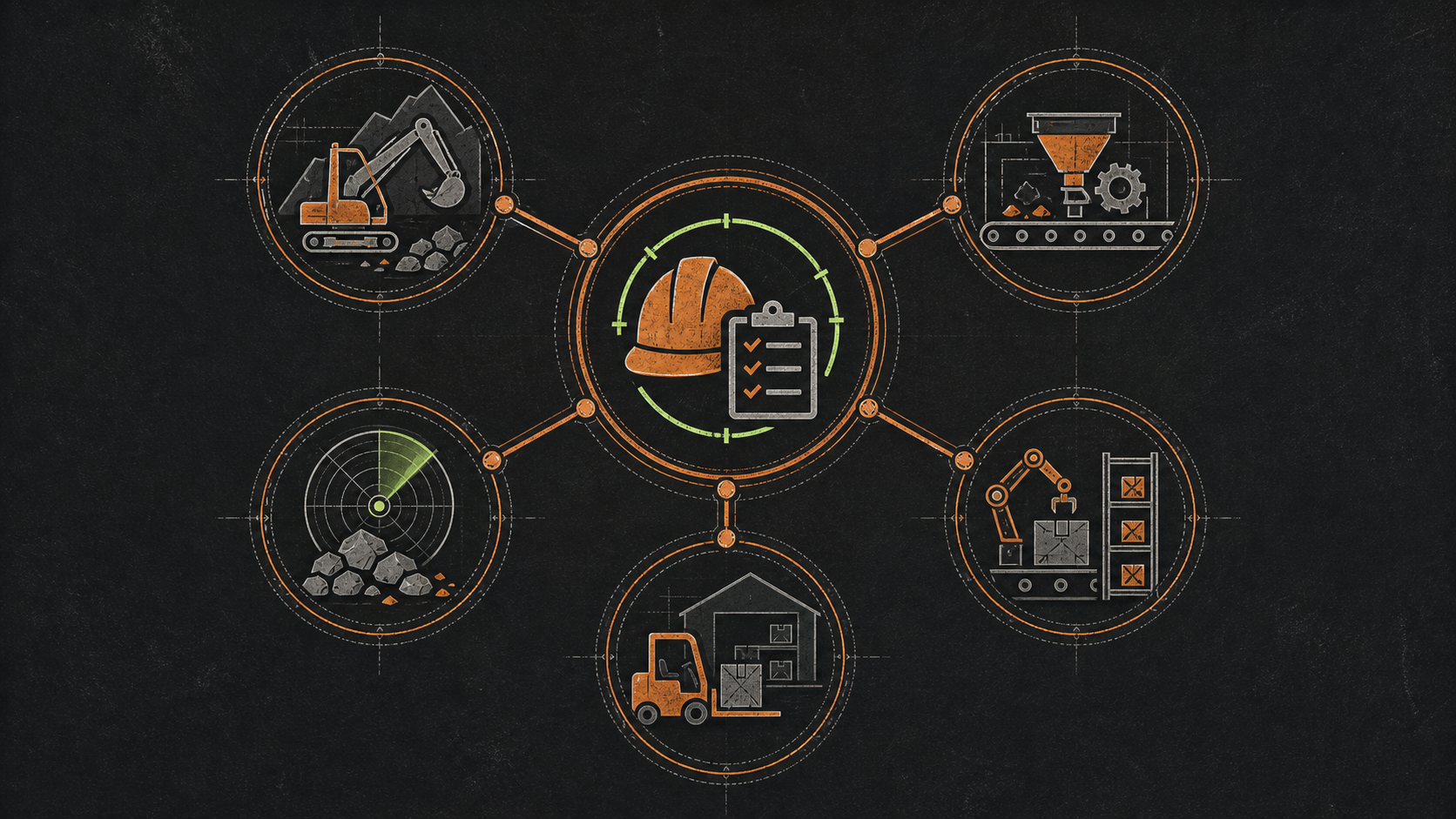
- Hire a Miner when extraction is the bottleneck.
- Hire a Handler when material movement is the bottleneck.
- Use Off-Site Contracts only when the employee can leave without breaking the current factory loop.
- v1.0.9 improves Off-Site Contract availability and adds an employee-return notification.
- Read the current hire screen for wages and duration instead of planning around an old fixed number.
What each system proves
| System | Confirmed | Do not assume |
|---|---|---|
| Miner employee | a launch employee type | every resource, property, or vehicle works automatically |
| Handler employee | a launch employee type; v1.0.5 included a stuck-worker fix | the worker can operate every pallet or machine workflow |
| Off-Site Contract | an employee can leave and return after a successful job; v1.0.9 notes availability, endgame balance, and return notification changes | fixed success, time, reward, or daily ore |
| Warehouse Robot | part of pallet automation with Palletizer and Drop Zone | the same behavior as a Handler employee |
Before hiring
Open the current employee interface and record what the save actually displays:
- Role and tooltipConfirm Miner or Handler and the stated job.
- Current costUse the displayed hire price and any recurring charge.
- Unlock stateRecord the level, property, or system that made hiring available.
- Assignment limitsCheck available targets and warning text before confirming.
Hiring the first employee should satisfy the You're Hired achievement condition. The achievement does not require a fixed candidate name.
Safe Off-Site Contract test
EDITORIAL TEST METHOD
- Capture the offer: job name, displayed duration, requirements, expected reward, and any success information.
- Capture the employee: role, visible attributes, current assignment, and availability.
- Send one worker: check whether cash, items, local availability, or status changed.
- Verify return: record success or failure, actual reward, employee state, the v1.0.9 return notification if it appears, and achievement progress.
- Repeat before generalizing: one job proves only that offer and result.
Handler not unloading or dropping crates
FIX A STUCK HANDLER
Patch first: confirm the game is at least v1.0.5. That patch specifically fixed Handlers getting stuck near Miner vehicles.
A later recurrence can still have a different cause. Treat the fix note as a first check, not proof that every Handler report is solved.
- Confirm the employee is assigned locally and is not away on an off-site contract.
- Read the current assignment target and make sure it still exists.
- Clear physical access around the Miner vehicle, unload point, pallet, and destination.
- Remove a blocked destination pallet or full output before blaming pathfinding.
- If the UI offers a safe unassign and reassign action, retest one worker with one target.
- Save the exact version, location, assignment, and obstruction state before reporting a reproducible bug.
Numbers to read from your current hire screen
This page intentionally does not publish fixed numbers for:
- hire cost or wage
- employee attributes
- work speed
- off-site duration
- success probability
- cash or item reward
- cooldown
- solo and co-op permission differences