Ore Factory Squad Contracts: Fix Softlocks & Make Money
Direct answer: if every Contract asks for products you cannot make, stop accepting orders and use Stock Sell to fund the missing license or machine. Then take one feasible Contract, configure the Pallet Packer, keep both outputs clear, and finish before the deadline.
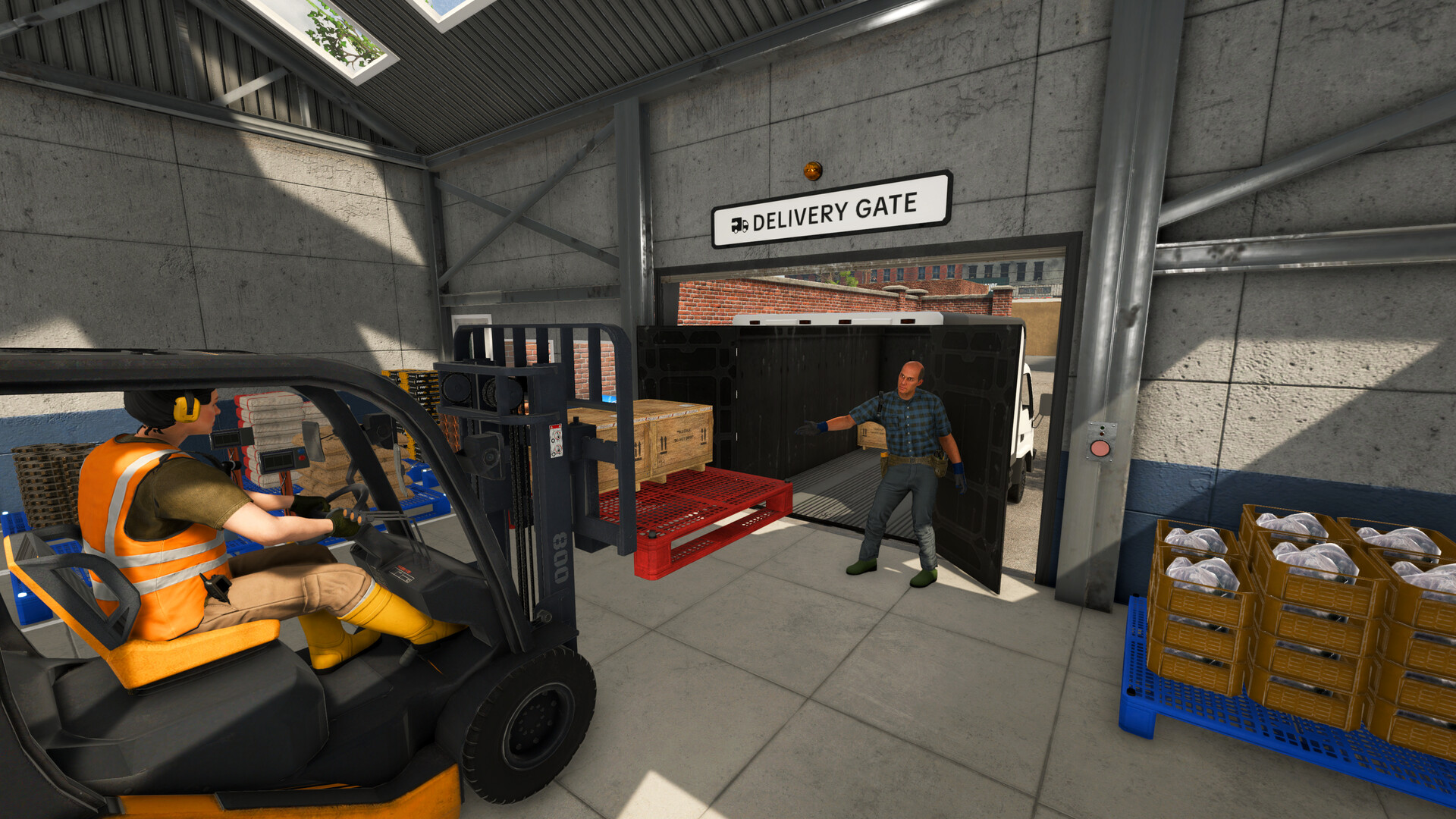
Our current rule: reject any Contract that needs a license or machine you cannot already afford. Use Stock Sell to escape a cash shortage, then accept one order whose slowest product you can make before the deadline.
RECOVERYSoftlocked by impossible Contracts?
You are not forced to complete an order that asks for advanced materials before you can afford their production chain. Treat the contract board as an offer list, not as your only source of money.
- stop accepting additional Contracts;
- check warehouse storage for finished products that are not reserved for an active order;
- sell that surplus through Stock Sell;
- buy the single license or machine blocking the cheapest useful production chain;
- refresh the board when the game allows it, then choose an order you can already produce.
Do not gamble the last of your cash on a new property, vehicle, or optional machine while the factory lacks the required production step. Rebuild cash flow first.
There is no verified rule that says “send 70% of production to contracts” or that every contract pays two to three times more than Stock Sell. The reliable money strategy is simpler:
- use Stock Sell when you need immediate cash from finished inventory;
- accept Contracts only when you can produce every exact item before the deadline;
- negotiate carefully;
- prepare the order with the Pallet Packer;
- keep its outputs clear;
- load the completed delivery and use the Delivery Gate.
QAQuick Answer
- Check stock before accepting: v1.0.5 can show warehouse stock from the Contract interface.
- Expect progression-aware requests: Contracts now use actual player progression more directly instead of relying only on level.
- Stock Sell is the fast-cash route for finished products already tracked in warehouse storage.
- Contracts request exact products and quantities, support negotiation, and can pay higher rewards.
- The contract machine is the Pallet Packer.
- Warehouse automation is a separate task. Use the Warehouse Robot guide after completing this customer-order workflow.
- Forklifts are useful for moving product pallets and completed contract loads.
- A Fast Delivery Bonus exists, but its percentage should not be treated as fixed.
The same patch fixed pallets and robots becoming stuck around the Pallet Packing Machine. Retest a physical obstruction before rebuilding the area around an old workaround.
ROUTESThe Two Money Routes
Route A: Stock Sell
[ Production Machine ]
        │
        ▼
[ Finished Product Pallet ]
        │
        ▼
[ Marked Warehouse Storage ]
        │
        ▼
[ Stock Sell Computer ]
        │
        ▼
[ Check Stock + Demand + Price per Unit ]
        │
        ▼
[ Sell Available Quantity ]
Stock Sell is useful when:
- you need cash for the next required machine or license;
- finished pallets are already in storage;
- current contracts require products you cannot make;
- a contract deadline is too risky;
- you have surplus intermediates or products not reserved for an order.
The interface can show stock, demand, and price per unit. Do not assume demand is infinite or that every visible item will sell in one action.
Route B: Contracts
[ Check Exact Products, Stock, Machines, Deadline ]
                 │
                 ▼
        [ Submit an Offer ]
                 │
                 ▼
      [ Accepted Contract ]
                 │
                 ▼
 [ Select Contract in Pallet Packer ]
                 │
                 ▼
[ Supply Correct Finished-Product Pallet ]
                 │
     ┌───────────┴───────────┐
     ▼                       ▼
 [ Contract Output ]       [ Excess Output ]
     │
     ▼
[ Forklift → Cargo Vehicle → Delivery Gate ]
Contracts are useful when:
- required products are already tracked;
- only a short production queue is missing;
- all required raw materials and machines are available;
- the deadline leaves enough time for the slowest product;
- the expected reward justifies tying up the inventory.
BOUNDARYKeep the Pallet Packer workflow separate
This guide covers the Pallet Packer: select an accepted customer Contract, supply the exact finished-product pallet, keep Contract Output and Excess Output clear, then deliver it. It does not define a generic automatic pallet system.
v1.0.9 separately names an Off-Site Contract change and a warehouse-automation fix for pallets spawning inside each other. Those notes do not establish a customer-contract payout, handling rate, or automatic Pallet Packer route. For that boundary, use the Warehouse Robot and Pallet Dispenser guide; for direct sales, use the Stock Sell and marked-storage guide.
STEPSStep-by-Step Contract Workflow
Step 1: Check the exact finished products
Before submitting an offer, record:
- every product name;
- the required quantity;
- the delivery time;
- tracked finished stock;
- missing machines or licenses;
- the slowest missing production chain.
Related materials are not interchangeable:
| Contract wants | What does not count |
|---|---|
| Clay Block | Raw Clay |
| Clay Brick | Clay or Clay Block |
| Stone Brick | Stone or Stone Block |
| Limestone Block | Raw Limestone |
| Cement | Raw Limestone or Limestone Block |
| Crushed Coal | Raw Coal |
| Foam Glass | Sand or ordinary Glass |
The finished pallet label matters more than the general material family.
Step 2: Rank the order by completion certainty
Do not choose only by the largest displayed payout. A practical priority order is:
- every required finished product is already tracked;
- only one short machine queue is missing;
- raw materials and all machines are available;
- one short mining trip can close the gap;
- a new property, license, or machine is required.
Orders in the fifth group are usually poor “fast money” choices because the purchase and setup may consume the same cash and time you hoped to earn.
Step 3: Negotiate from the current offer
The amount first shown is not always the highest offer a customer will accept. Launch-week tests recorded successful offers above the initial value, but they did not establish a universal markup percentage.
Use negotiation as a controlled test:
- increase modestly when most goods are already finished;
- stay closer to the displayed amount when mining and production remain;
- record displayed price, submitted offer, accepted amount, and final payout;
- stop treating one accepted increase as a rule for every customer.
The game also includes a Negotiation Rate upgrade path, so early results may not represent later limits.
Step 4: Select the accepted order in the Pallet Packer
Accepting a contract on the computer does not automatically configure the machine.
At the Pallet Packer:
- open the interface;
- select the intended accepted contract;
- verify every product counter;
- place the correct finished-product pallet at the input;
- confirm that the pallet is detected;
- keep Contract Output and Excess Output clear.
A partial pallet can contribute when it contains the required product. If the input contains more than the order needs, the required amount goes to the contract and the remainder uses Excess Output.
Step 5: Clear blocked outputs before changing settings
When the Pallet Packer displays Output blocked, check the physical area first.
Common launch-week causes included:
- a completed delivery still occupying Contract Output;
- an excess pallet not removed;
- overlapping pallets;
- an input pallet positioned so badly that it blocks the result.
Move the obstruction before changing the active contract or rebuilding the machine.
Step 6: Load and complete the handoff
Wait for every contract counter to complete and for the delivery load to appear.
Then:
- approach the load with a Forklift;
- place it fully in the cargo vehicle;
- check that every required load is aboard;
- drive to the marked Delivery Gate;
- use the handoff prompt;
- confirm that payout and XP appear.
In tested deliveries, the player did not manually unload every product at the destination.
BONUSFast Delivery Bonus: What We Know
A launch-week test documented this complete example:
| Result | Amount |
|---|---|
| Base contract value | $580 |
| Fast Delivery Bonus | $58 |
| Total payout | $638 |
| XP | 200 |
The bonus in this one sample was 10% of the base value. It proves that Fast Delivery Bonus exists. It does not prove:
- every contract uses 10%;
- there is a 15%–25% range;
- delivery before a particular afternoon hour is required;
- product count or negotiation controls the bonus;
- every two-product contract awards the same XP.
Publish the sample as an observed result, not as a fixed calculator formula.
STOCKUsing Stock Sell Without Sacrificing a Contract
Before selling:
- check active contract quantities;
- reserve the exact intermediate and finished products already required;
- keep reserved pallets inside the marked storage area;
- sell only the confirmed surplus;
- recheck demand and price per unit.
This matters for multi-stage products. Converting or selling every intermediate can force another mining trip.
For example, Limestone Blocks may be requested directly or may be needed to make Cement. Reserve active-order quantities before converting the remainder.
NIGHTNighttime and End Day
Launch-week testing observed active production continuing after dark. Official v1.0.1 notes also removed the restriction that had prevented delivery calls at night.
That does not prove that an unfinished queue always survives:
End Day;- saving and reloading;
- every later patch.
One tested contract with one day remaining expired when End Day was used. If the missing products can be completed during the current night, finishing the order may be safer than advancing the day.
German players can follow the focused Clock-Off and End Day checklist.
AVOIDCommon Money Mistakes
Accepting an order before checking the slowest item
One completed product does not make a multi-product contract nearly finished. Calculate the missing chain for every counter.
Supplying the right material at the wrong stage
Clay Block does not satisfy Clay Brick. Ordinary Glass does not satisfy Foam Glass. Check the product label.
Treating warehouse stock as automatic contract input
The Pallet Packer may show that stock exists, but the tested manual route still requires a physical finished-product pallet at its input.
Blocking Contract Output or Excess Output
The machine cannot place a result when a pallet occupies its output space.
Selling reserved intermediates
Stock Sell provides immediate cash, but it can remove the input needed for a nearly complete order.
Buying an incomplete automation system
A Warehouse Automation License, robot, Drop Zones, and related equipment form a larger system. Buying one component does not automatically replace the Forklift or the Pallet Packer.
DECIDEA Better “Make Money Fast” Decision Table
| Current situation | Best next action |
|---|---|
| Finished surplus is already tracked | Check Stock Sell demand and price |
| All contract products are already tracked | Negotiate, pack, and deliver |
| Only one short production queue is missing | Finish it before accepting another order |
| A required product needs a new property or license | Skip the order or treat it as progression, not fast cash |
| Pallet Packer output is blocked | Clear physical outputs before producing more |
| Contract has one day remaining | Avoid End Day; finish production or delivery during the current night if possible |
| Cash is too low for a complete new system | Complete an achievable basic order instead of buying one isolated component |
FAQFrequently Asked Questions
Are Contracts always better than Stock Sell?
Contracts can offer higher rewards, but an impossible or expired contract earns nothing. Stock Sell remains useful for fast cash and surplus inventory.
Does the contract board refresh every day at 08:00?
No reliable current evidence supports a fixed 08:00 refresh rule.
Does this guide explain warehouse automation?
No. This page stays with customer Contracts and the Pallet Packer. Use the Warehouse Robot guide for warehouse-automation boundaries.
Can I deliver at night?
The v1.0.1 hotfix removed the restriction that prevented delivery calls at night. Bonus behavior for nighttime handoffs still needs controlled testing.
Do expired contracts reduce reputation?
Current official and reproducible sources do not confirm a regional trade reputation penalty. Treat the deadline as real, but do not assume an additional penalty that the current game does not show.
NEXTRelated Guides
Sources
- Ore Factory Squad official Steam page
- Official v1.1.1 hotfix (current version status)
- Official v1.0.9 Off-Site Contract and Pallet Dispenser notes
- Official announcements and patch notes
- Official v1.0.5 contract, stock, and pallet fixes
- Official Steam achievements
- Launch-week Contracts and Pallet Packer test
- Launch-week beginner progression test