Ore Factory Squad Mobile Office: Computer & Free Coffee Guide
Unlock the Mobile Office, use its digsite computer, and decide when its free coffee helps you finish a focused night task.
Quick answer
Unlock the Mobile Office from Upgrades, put its container at a digsite, and use its computer outside the factory when the next decision does not require a trip back. The official v1.0.6 update also describes free coffee there for working longer at night.
Treat the Mobile Office as a portable planning point, not a published stamina calculator. The update does not state its price, how much coffee is available, any duration or cooldown, or a bed and sleep rule.
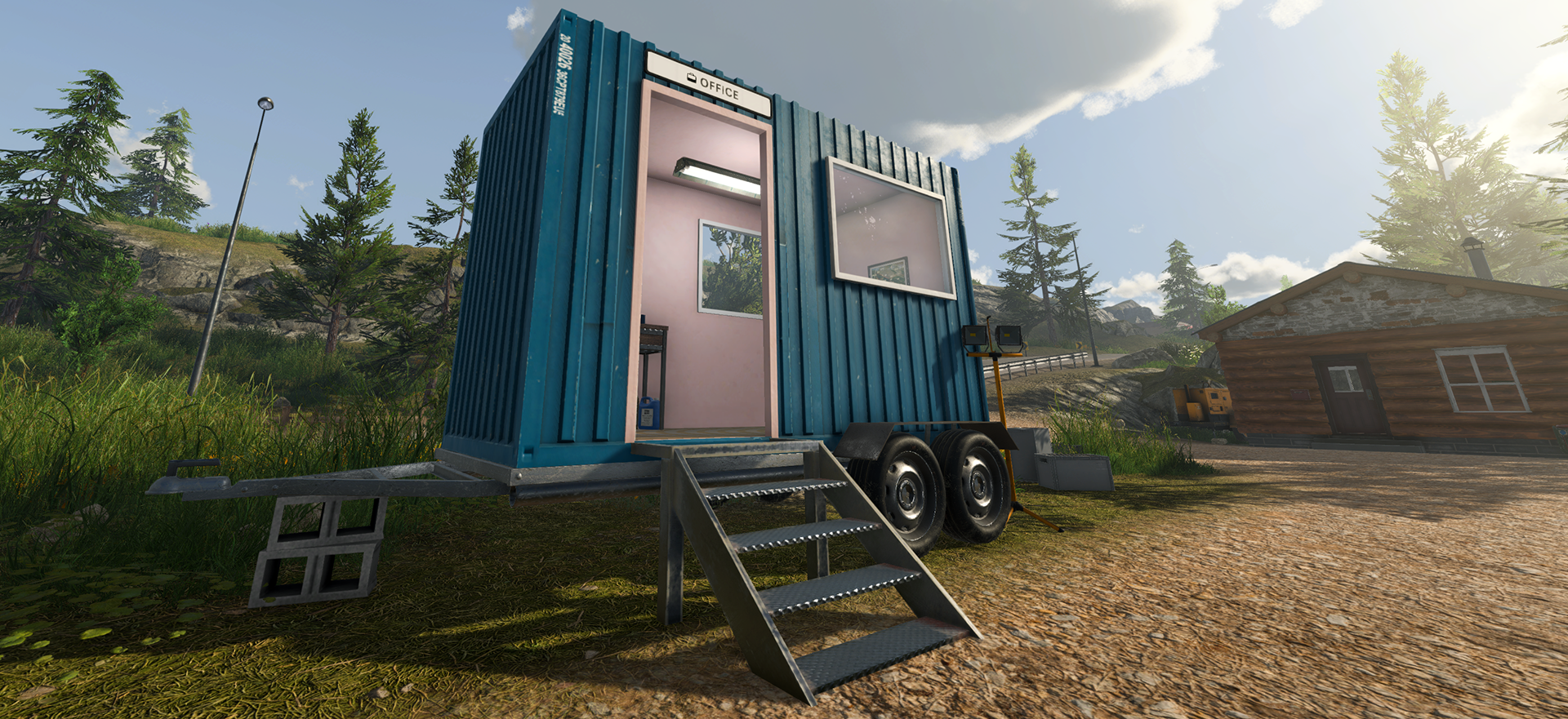
Set up the Mobile Office for one digsite job
- Open the current Upgrades screen and confirm that the Mobile Office is available in your save.
- Choose the digsite where the next computer check will save a return trip.
- Put the Mobile Office container at that digsite.
- Use its computer when the task is about checking or making a computer-based decision.
- Before opening the computer, choose one computer-based decision that the current screen actually shows and supports.
Use only the apps and actions shown on the current computer screen.
Decide whether the office saves a trip
| Your next need | Use the Mobile Office when | Return instead when |
|---|---|---|
| Check a computer-based decision | the decision can be made at the digsite | you need to interact with a physical machine or item at the factory |
| Plan the next work period | you can turn the check into one specific task | you are only opening screens without a next action |
| Continue after dark | free coffee helps you finish a defined job | the job is unclear or depends on a value you have not checked in the current build |
The office reduces an unnecessary return for this narrow kind of task. It does not make a digsite route, inventory, or factory output safe by itself.
Use the free coffee for a defined night task
The v1.0.6 notes describe free coffee as a way to work longer at night. Use it when you have a short, visible handoff to finish—not just to begin a second unplanned project.
Before using it, check three things:
- What single job will be finished before you stop?
- Is the required inventory, pallet, or route already ready?
- Does the current in-game display show the result you expect after taking the coffee?
Check the current in-game result before using coffee for a timed contract. For the separate night-fatigue decision, use the Energy Drink and sleep guide.
Keep the Office separate from food and logistics
The Mobile Office is a computer and late-work convenience at the digsite. It is not the same as the Lunchbox food-buff guide, and it does not replace a route for bringing materials back up. For a packed-material handoff, use the Mining Lift guide. For first-hour priorities, return to the Level 1–5 beginner guide.
Sources
- Official v1.0.6 update — Mobile Office unlock, digsite container, outside-the-factory computer, and free-coffee context; it does not publish price, coffee values, cooldown, or sleep behavior
- Current Mini Excavator discussion — player demand for a way to avoid returning to the office for coffee
- Current Mobile Office discussion — player demand signal only, not a specification for every Mobile Office action