Ore Factory Squad Achievements Guide
Group achievements by systems you already need, then clean up city objectives after the factory route is stable.
On this page
Start a working loop
Complete goals for systems you already use, then plan the remaining city and collection tasks.
- Bring / prerequisite
- A stable mining, production and delivery route
- Check this UI first
- Steam achievement list and your current progress
- Move on when
- A specific next goal without buying unrelated systems at once.
The checked official schema has 35 achievements; this is an editorial order, not a completion-time promise.
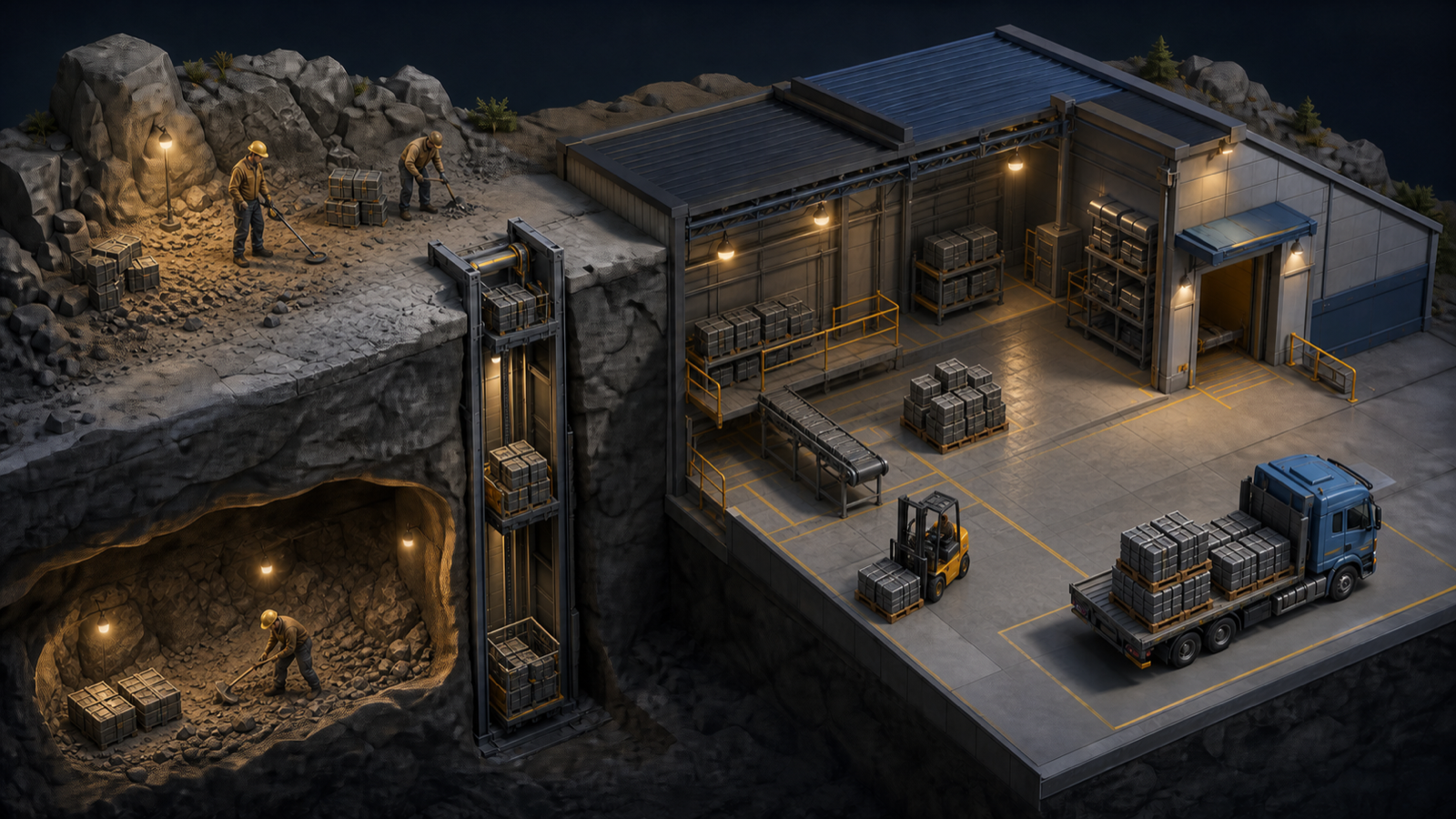
OUR COMPLETION ORDER
Suggested route
- Complete the first property, production, contract, and conveyor goals naturally.
- Buy Forest, use the Mining Lift, hire one employee, and complete one off-site job.
- Build one complete Warehouse Robot, Palletizer, and Drop Zone setup.
- Expand through Construction and Quarry while saving toward 40 upgrades and debt repayment.
- Finish the city actions and collection counters last.
This order avoids buying systems only for one achievement. Change it only when your current save has already completed a later requirement.
START HERE
Start and production
Mining and properties
For the Mining Lift condition, use the Mining Lift guide. For property progression, check Remaining Resources before switching.
Automation, employees, and business
Use the employee guide for the two worker goals and the automation guide for the Full Automation setup.
City, vehicles, and customization
For the two collection counters, follow our Antiques and Scrap selling route: Pawn Shop for Antiques, Waste Collection Center for Scrap.
Avoid progress traps
- Do not sell or remove a property until useful equipment and resources are recovered.
- Do not accept a large contract only to chase Signed for Success. Confirm every product and deadline first.
- For Full Automation, use the exact named systems. A Handler employee is not a Warehouse Robot.
- Completion percentages change over time. Use the official page for the current rarity snapshot.