Ore Factory Squad Mini Excavator: Worth It, Controls & Storage
Use the Mini Excavator for shallow trenches and surface cleanup, choose ISO or SAE controls, unload rear storage, and recover from stuck cases.
Quick answer
The Mini Excavator is worth buying for shallow trenches, surface cleanup, and moving a gathered load in rear storage. It is not the best tool for deep vertical mining, so keep the Pickaxe and Shovel in your normal route. Unlock the Excavator License, choose ISO or SAE controls, test one clear patch of ground, and buy it only if that job saves you repeated hand digging.
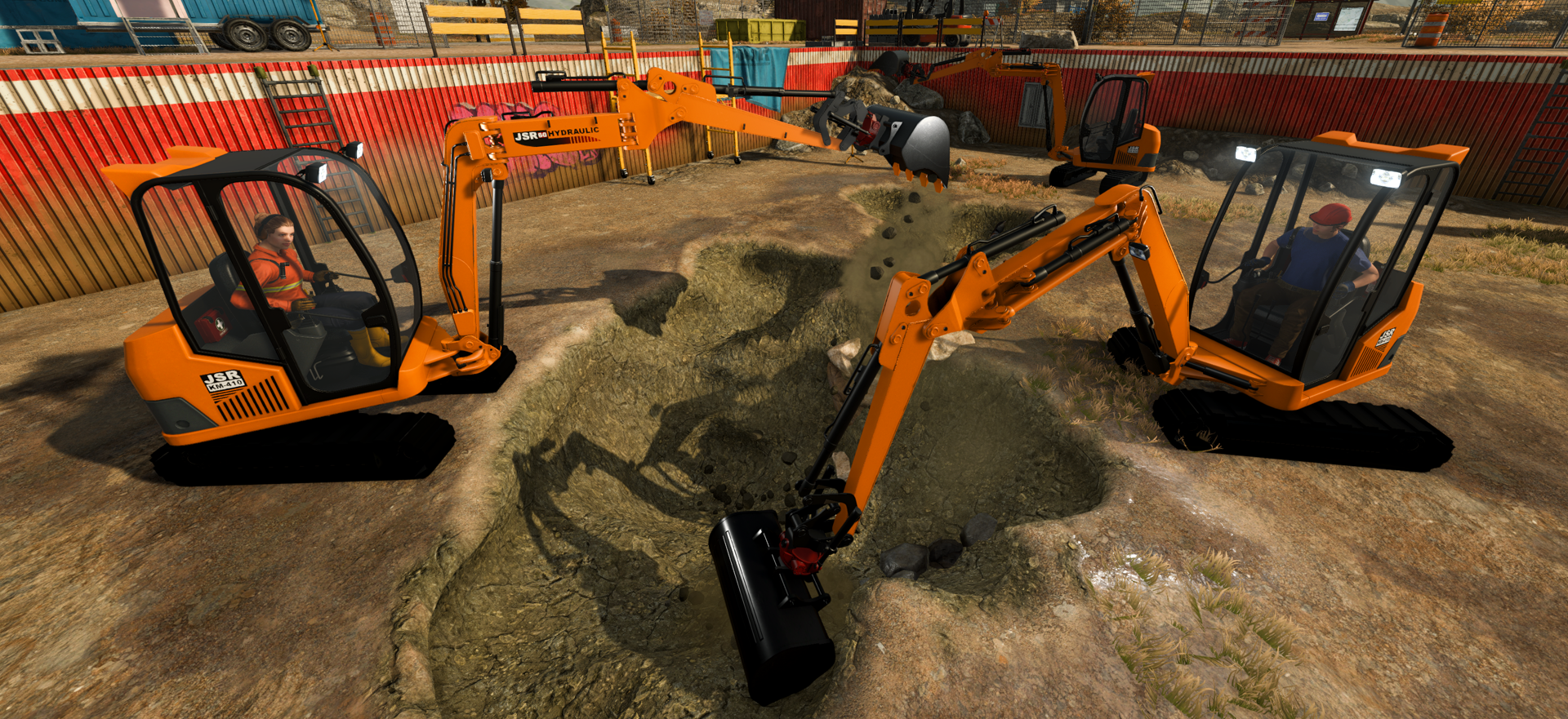
Is the Mini Excavator pointless?
No, but it is easy to buy for the wrong job. The developer describes it as a fun extra rather than the game's ultimate mining solution, and we agree.
Use it for:
- cutting a repeatable shallow trench;
- clearing a broad surface layer;
- collecting material into its rear storage; and
- reaching a nearby truck or Mining Lift handoff without filling the player's backpack.
Skip it for now when your bottleneck is a deep shaft, a missing production license, a blocked conveyor, or a Contract you cannot manufacture. Fix those first. The vehicle becomes useful when you already know exactly where it will dig and unload.
Unlock and purchase boundary
The official v1.0.6 announcement says the Excavator License unlocks the purchasable Mini Excavator. Start with this boundary:
- Open Upgrades and confirm the Excavator License is available in the current save.
- Unlock the license before looking for the vehicle purchase option.
- Take the vehicle to one clear dig area and repeat a short movement-and-digging check.
- Keep the result local to that save instead of assuming the same terrain, progress state, or co-op situation will behave identically.
The v1.0.6 feature announcement describes the Excavator as an optional requested tool in a game designed around hand-tool digging. Use the upgrade-order guide for the purchase decision, then return here for controls and troubleshooting.
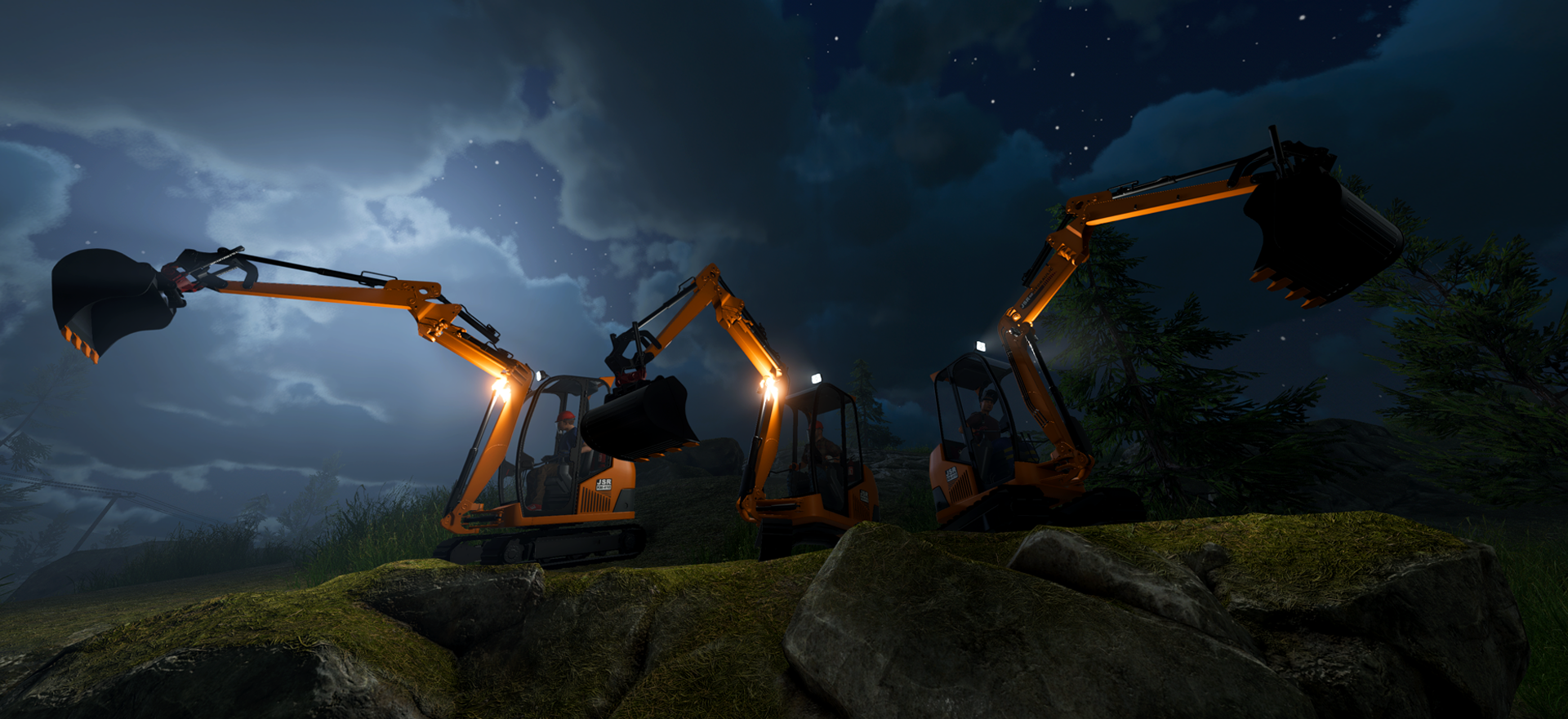
v1.0.9 Excavator mechanic source
The official v1.0.9 announcement explicitly lists these Excavator mechanics:
- switch between ISO and SAE control schemes;
- configure Excavator joystick keybindings in Settings;
- use unlimited swing rotation;
- collect gathered resources into rear storage rather than directly into the player's backpack;
- use a larger digging area; and
- encounter fewer stuck issues, not a promise that stuck cases are gone.
Choose one scheme and make a short movement-and-digging test before changing sensitivity or keybindings. Read the current Settings screen for the actual keys and treat rear storage as a handoff point, not as unlimited capacity. A larger digging area still does not make the vehicle a replacement for every hand-tool task.
Rear storage: validate the handoff before planning a route
Because v1.0.9 places gathered resources in storage on the back of the vehicle, inspect the collection point in the current build before designing a handoff. Test one load, then decide whether the next step is manual collection, a vehicle move, or a connection to the Mining Lift guide. Do not infer capacity, item compatibility, route clearance, or a universal factory buffer from the announcement.
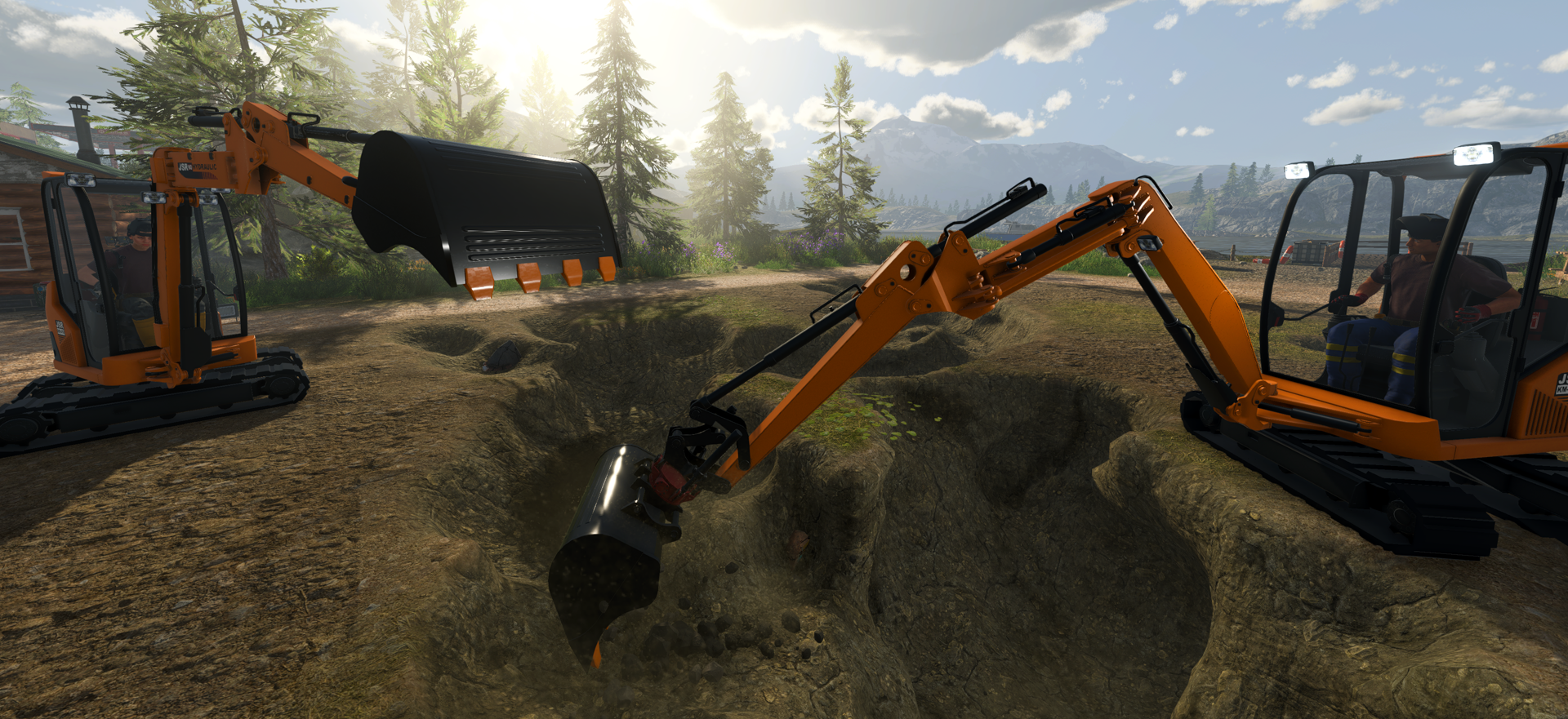
If the Excavator gets stuck
The current official wording is reduced stuck issues, not eliminated stuck issues. Use a non-destructive reproduction check before rebuilding a route:
- Stop in a clear, shallow test area.
- Record the game version, platform, selected control scheme, terrain shape, and the exact prompt or symptom.
- Retry one movement or one digging action instead of making several changes at once.
- If the same current-version case persists, capture a short reproduction path for the developer's support channel.
Older footage can show why this caution exists, but it cannot override the current official boundary. In WaLaSy's v1.0.6 historical footage at 24:41, the creator reports one stuck case. This is a dated historical v1.0.6 observation using auto captions, not a current failure rate or recovery rule.
Historical video context, not a control manual
Two retained videos provide a small visual learning-context record only:
- WaLaSy at 14:02 shows a creator entering a Mini Excavator segment.
- RabidKaos at 10:38 shows a creator opening a control display before experimenting with the vehicle.
Both are historical v1.0.6 observations with auto captions. They do not establish current default keys, a required map, a speed comparison, or an official recommendation. The exact old key and creator-preference statements are deliberately excluded; use the v1.0.9 Settings mechanic source, then verify the controls in your installed build.
Related guides
- Follow the beginner route for the first mining-to-sale loop.
- Use the upgrade-order guide to keep the license choice separate from vehicle operation.
- Plan a verified vertical handoff with the Mining Lift guide.
- Start broad issue triage at Troubleshooting.
- Track current-version boundaries in the roadmap and update tracker.
Sources and limits
- Official v1.0.9 Excavator controls, storage, and fixes
- Official v1.0.6 Mini Excavator announcement and media
The v1.0.9 announcement is the historical mechanic source for these listed changes. Check the roadmap and update tracker for current release status.
The v1.0.6 announcement, official media, and auto-captioned videos only establish historical context. None of them establish a price, capacity, mining efficiency, optimal route, universal map choice, or guaranteed recovery.